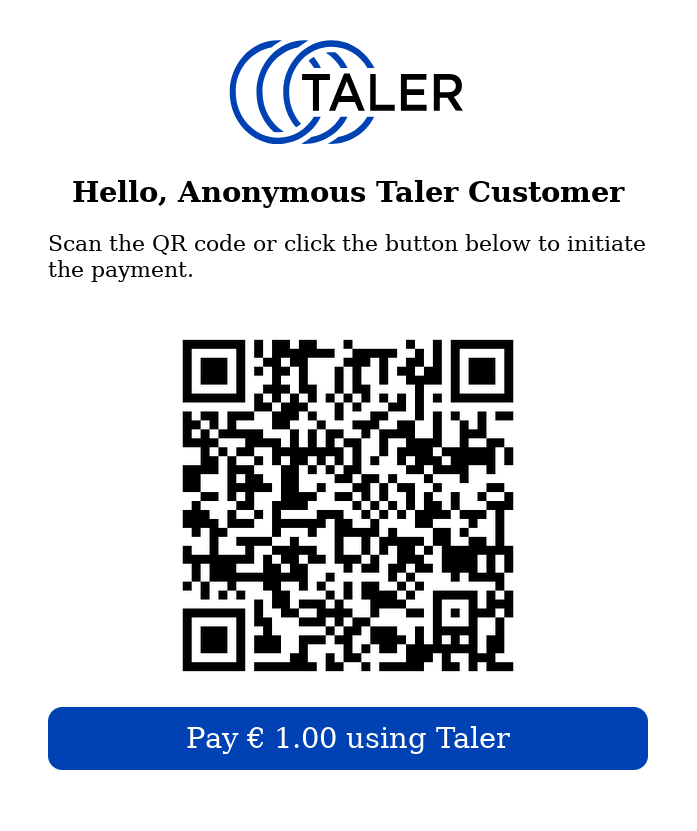
I wonder whether there is some suggested design for the “checkout page” in web-shops. With “checkout page” I mean the page shown to the customer after they choose “pay with Taler” and showing the QR-code and a button/link to pay with the browser’s wallet. See attached example.
Also a common wording (in different languages) would be great.
Rational: When using a common design, there is a recognition value , which is growing over time.
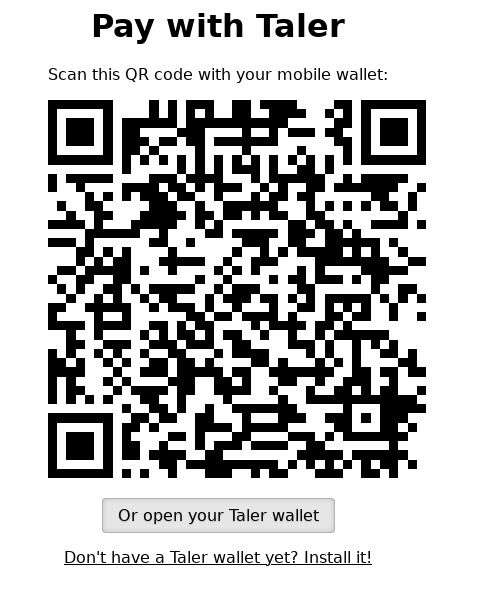
I just discovered that the merchant backend already provided such a page, see below. This page is shown when accessing $INSTANCE/orders/$ORDER_ID.
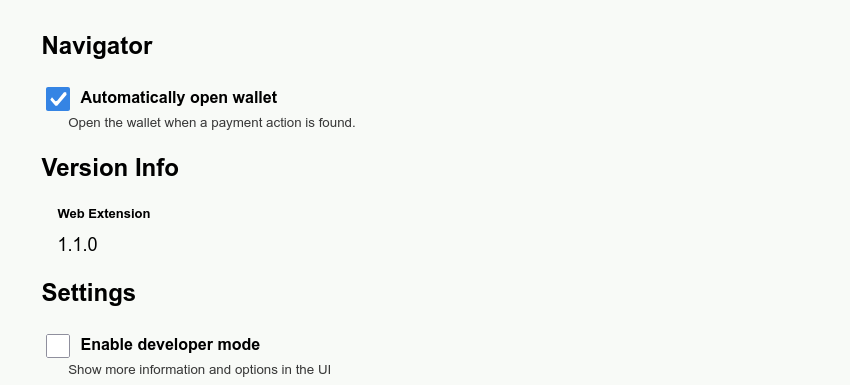
Anyhow, there is one major issue with this page IMHO: If the wallet extension is enabled in the browser, this page immediately redirects to the wallet in the browser. This inhibits that the customer may choose to pay with their mobile wallet. This is why I suggest to us a different page.
Also shops may want to provide a Taler checkout page of their own since
a) they can use more of the same code for different payment systems
b) they may want to use a pop-up or overlay
c) they may want to style the checkout page according the the shops design
Thanks. While this now provides a design guide (as I originally requested), it would be much more helpful if the required HTML- and Javascript-Code would be provided (as an example, of course).
The design guide points to “PenPot” design files". I have no clue what “PenPot” is and accessing these design files requires an account. This is an unnecessary barrier. (And I will not take my time to jump over it.)
I am providing only designs, without implementation.
In “PenPot” all design files are stored. Screenshots of these files are provided in the design documents with a description. For more info about frames, you should have a PenPot account. To create an account please contact me (srv3@bfh.ch) for instructions.
@vlada No offense meant. If your task/job is the design, this is all fine. It’s just that from a developers perspective, be support (= code) would help implementation - and thus foster adoption.
I had the same issue. If Penpot is something to show screenshots, maybe these screenshots should be public as well. Copy-pasting images works fine here.
PenPot is similar to Figma, but open-source. I do designs there. When designs finished, screenshots of them added to design documents. I always put link to PenPot in DD for the cases when developer needs more info about designs than I wrote in DD.
Secondly, just use the Talers Order Status URL(order_status_url) it’s there for a reason, this is the easiest way to proceed with taler payments qr-code page, and when you will be gone from support of tryton module, it’s going to help maintain the style/strings and so on with recent taler style updates
No need to invent and design the bicycle when it’s already there. Good luck!
I don’t know how an open internet page (without any login/password) + an open git repository from which this document is being built can be more public…
Just to be sure, here is the link for the new checkout page that the team is actively working on.
I am a bit confused. @how You first write that the link is not working, and later mention the sandcastle ng, which is only mentioned inside this link. Anyway, for sandcastle-ng, we would love to help @htgoebel . Even though he needs only the merchant backend, which I believe has a bunch of documentation on installation and running it, including videos and text descriptions.
In sandcastle-ng.git there is a README.md which gives enough information on how to run it.
P.S. I still believe that the way to go is to reuse the page from the Taler Order Status URL.